Getting Started
Installation
Install the plugin from the QGIS plugin repository or download the zip from the repository releases.
From Release ZIP
Download the latest release ZIP from the GitHub releases
In QGIS, go to Plugins > Manage and Install Plugins…
Select Install from ZIP and choose the downloaded file
Usage
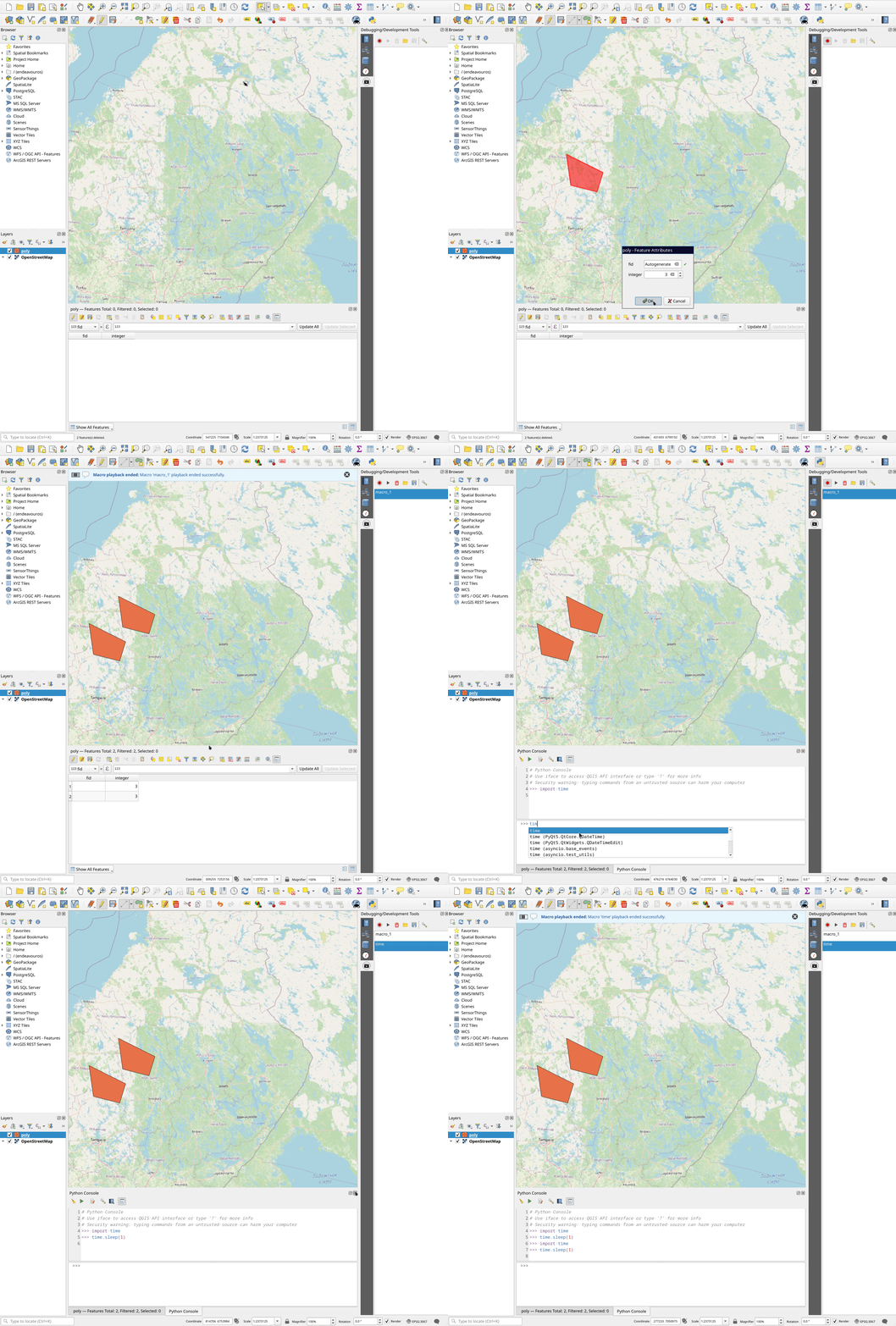
Once installed, the macro panel is available in the QGIS Development Tools panel. Open QGIS Development Tools and interact with the Macro tab.
Recording a Macro
Click the Record button in the macro panel, then interact with QGIS normally (click, type, navigate, etc.). The macro records your mouse and keyboard events. Stop recording to save the macro.
Playing Back a Macro
Select a saved macro and click the Play button to replay the recorded events.
Saving and Loading Macros
Macros can be saved to disk and loaded later for repeated usage.